Type a Mandarin word and choose the intended characters
A pinyin keyboard turns a sound sequence into candidate characters. It does not know your intended meaning perfectly. Learn to enter a complete familiar word, inspect the candidate and read the resulting sentence so that typing becomes language practice rather than a race to accept the first suggestion.
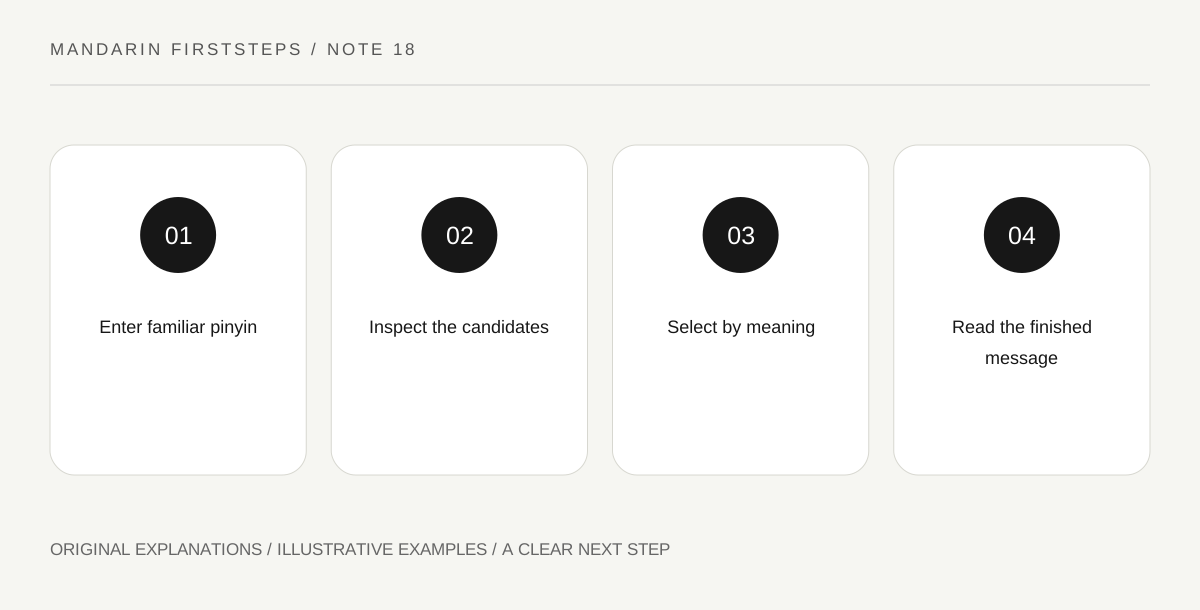
Original explanatory diagram. Read the full method and limitations below.
Understand the candidate step
Many characters share a pronunciation, and ordinary pinyin input often works without tone marks. The keyboard therefore offers candidates based on the letters and context. The first candidate may be common, but that does not establish that it is the word you intended. Selection is part of the writing task.
Use a small set of words whose characters you already recognize. Type their pinyin, inspect the candidate row and choose the correct entry. If you cannot recognize the word, compare it with a checked lesson entry. Accepting a candidate only because its shape looks vaguely Chinese does not help you learn to read.
Enter meaningful word groups
Typing a multi-character word or a familiar short phrase can give the input method more context than entering one syllable at a time. For example, a complete word for student is more informative than an isolated syllable that has many possible characters. Exact behavior varies by keyboard and settings, so consult your device’s current instructions for setup.
Practise a word first, then a short sentence containing it. After each entry, read the text aloud and identify its meaning. If the suggestion is wrong, delete or replace the specific candidate and try again. Do not assume a longer input string always produces a correct result; context helps, but proofreading remains necessary.
Keep pronunciation learning separate from input shortcuts
A keyboard may accept letters without tones or offer shortcuts for familiar words. Those conveniences do not mean tones are optional in speech. Keep tone-marked pinyin in your learning notes even if you do not type those marks during character input. The keyboard’s practical entry system and a pronunciation guide serve different purposes.
Some input methods use v for the ü sound during entry. That is a technical convention, not standard pinyin spelling in a printed lesson. Verify the behavior of the keyboard you use and avoid copying its input string into a pronunciation note as if it were the normal written form.
Proofread the sentence you actually produced
Read for meaning, names, numbers and negation after typing. A mistaken character may be a valid word with the wrong meaning, so a spellchecker cannot reliably identify the problem. If you are writing something important beyond your level, obtain competent help rather than relying on a plausible candidate sequence.
For practice, type three short sentences from memory, compare them with your own checked notes, and mark only the differences. Then correct the sentence and explain the change in English. A short accurate message is a stronger learning result than a long paragraph generated by suggestions you cannot understand.
Illustrative candidate check
A learner types xuesheng and sees several candidates. They choose 学生 because they recognize the complete word, then type 我是学生. They read it as Wǒ shì xuésheng and confirm the meaning. Next they type 今天学中文 and check every word. Their notebook retains tone marks even though the keyboard input did not require them.
Practical checks
Optional checkboxes save only in this browser.
Questions that come up
Is the first suggested candidate usually safe to accept?
It may be appropriate, but it still needs checking. Shared pronunciations, names and limited context can produce a different valid word. Develop the habit of inspecting the characters rather than relying on candidate position.
Does typing replace handwriting?
They are different skills. Typing supports practical written communication and requires character recognition; handwriting requires producing forms. Choose practice based on your goals, and do not treat progress in one as proof of equal ability in the other.
References and scope
These sources support the factual background. Examples and exercises are original illustrative teaching material. References do not imply endorsement.
- Open University: Beginners’ Chinese taster course — Scripts, word formation, introductions, nationalities and telephone numbers.
- Open University: Typing Chinese characters — Pinyin input and the need to select the intended character candidate.